
Income tax refund not received despite ITR processing
First Steps — Verify & Initiate
1
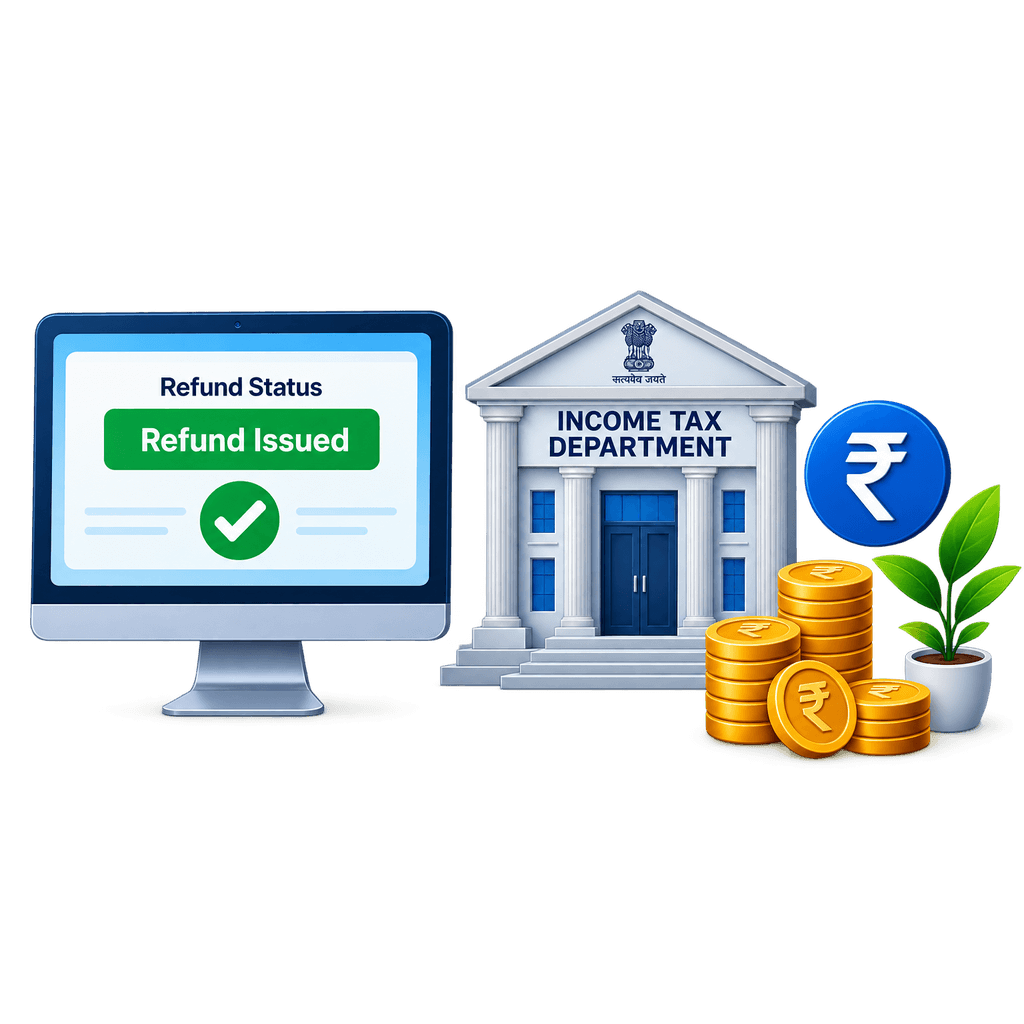
Log into the Income Tax portal (incometax.gov.in) with your PAN credentials and go to ‘e-File > Income Tax Returns > View Filed Returns’ — check the ‘Refund Status’ for the relevant assessment year.
2
Common status messages and what they mean: ‘Refund Issued’ — the IT department has sent it; check with your bank. ‘No Refund Payable’ — either no refund is due or it was adjusted against a demand. ‘Refund Re-issue Requested’ — a previous credit failed. ‘Refund Expired’ — a warrant lapsed; you need to request re-issue.
3
If status shows ‘Refund Issued’: go to the NSDL Refund Status Tracker at tin.tin.nsdl.com/oltas/refundstatuslogin.html (also accessible via incometax.gov.in > Services > Know Your Refund Status) and enter your PAN and assessment year — this shows the exact payment date and bank details the IT department sent the refund to.
4
Verify your pre-validated bank account: go to incometax.gov.in > Profile > My Bank Account — confirm your bank account is ‘Pre-Validated’ and ‘ECS Enabled.’ If the account status is ‘Validation Failed’, the refund cannot be credited.
5
Check whether the refund was adjusted against an outstanding tax demand — the portal shows any adjustment under ‘Outstanding Demand.’ If adjusted without your knowledge, you have the right to dispute it. Income Tax assessees should check the “Response to Outstanding Tax Demand” tab on the portal and submit a response within 30 days to freeze automatic adjustment.
Follow-up Steps — Next 2–4 Weeks
1
If bank account validation failed: re-validate the account on the IT portal. Go to ‘Profile > My Bank Account > Add/Update Bank Account’ and submit with correct IFSC and account number. Once re-validated, request a ‘Refund Re-issue’ from the portal.
2
To request Refund Re-issue: go to ‘e-File > Income Tax Returns > View Filed Returns’ > select the assessment year > ‘Refund Re-issue’ — choose the validated bank account and submit.
3
If the refund was adjusted against a demand you dispute: file a rectification request under Section 154 of the Income Tax Act 1961 (Section 287 under the Income Tax Act 2025, effective Tax Year 2026-27) on the portal, challenging the demand before the adjustment affects your refund.
4
If ‘Refund Issued’ but not in your bank after 7 days: the refund may have been sent to an old/closed account. Check the NSDL tracker for the exact account number used and contact the bank.
5
Raise a grievance on the IT portal under ‘e-Nivaran’ or the ‘Grievance’ section specifying the assessment year, refund amount, and the current status.
Escalation — If Still Unresolved After 30 Days
1
File on the Income Tax Business Application (ITBA) grievance mechanism or call the IT Aaykar Sampark Kendra: 0124-2438000.
2
Email your jurisdictional Assessing Officer through the portal’s ‘e-Nivaran > Grievance’ — specify AY, refund amount, and all steps taken.
3
For delays beyond 6 months of ITR processing: the Cabinet officially abolished the Income Tax Ombudsman mechanism. Escalations must now proceed through the CPGRAMS portal, the Centralised Public Grievance Redress and Monitoring System, or direct representations to the Principal Chief Commissioner of Income Tax (Pr. CCIT).
4
The Central Board of Direct Taxes (CBDT) monitors refund delays — file through their public grievance portal.
5
As a last resort: file a writ petition in the High Court seeking mandamus for refund — courts have repeatedly ordered immediate refunds with interest for unjustified delays.
Prevention — File Right, Get Refunded Faster
✓
Pre-validate your bank account on the IT portal at the start of every financial year — do not wait until you file the ITR.
✓
File your ITR early — returns filed in April–May are processed faster than those filed in July.
✓
Reconcile Form 26AS (renamed Form 168 under the Income Tax Act 2025 from Tax Year 2026-27) and AIS with your ITR before filing — mismatches create processing holds that delay refunds.
✓
Link PAN with Aadhaar — unlinked PANs face processing restrictions including refund holds.
✓
Use a primary salary account for IT refunds — avoid changing this account mid-year.
Watch Video Guide
Your Rights
Under Section 244A of the Income Tax Act 1961, the government owes you interest at 0.5% per month (6% per annum) on delayed refunds — from the date the refund was due (typically April 1 of the assessment year) to the date of actual payment. The equivalent provision under the Income Tax Act 2025 (effective Tax Year 2026-27) will carry forward this right. This interest is taxable as Income from Other Sources and must be declared in your ITR for the year it is received. in the year of receipt but it is automatically calculated and added to your refund. You do not need to separately claim it.
Key Contacts & Portals
| Who / What | Contact / Action |
|---|---|
| Income Tax Portal | incometax.gov.in — refund status, re-issue request, grievance |
| NSDL Refund Tracker | tin.tin.nsdl.com/oltas/refundstatuslogin.html |
| IT Helpline | 1800 103 0025 (toll-free) |
| Who / What | Contact / Action |
|---|---|
| Aaykar Sampark Kendra | 0124-2438000 |
| CPC Bangalore | Centralised Processing Centre — cpc.incometax.gov.in |