
Mutual fund SIP Auto-Debit Failed — Unit Purchase Missed
First Steps — Verify & Initiate
1
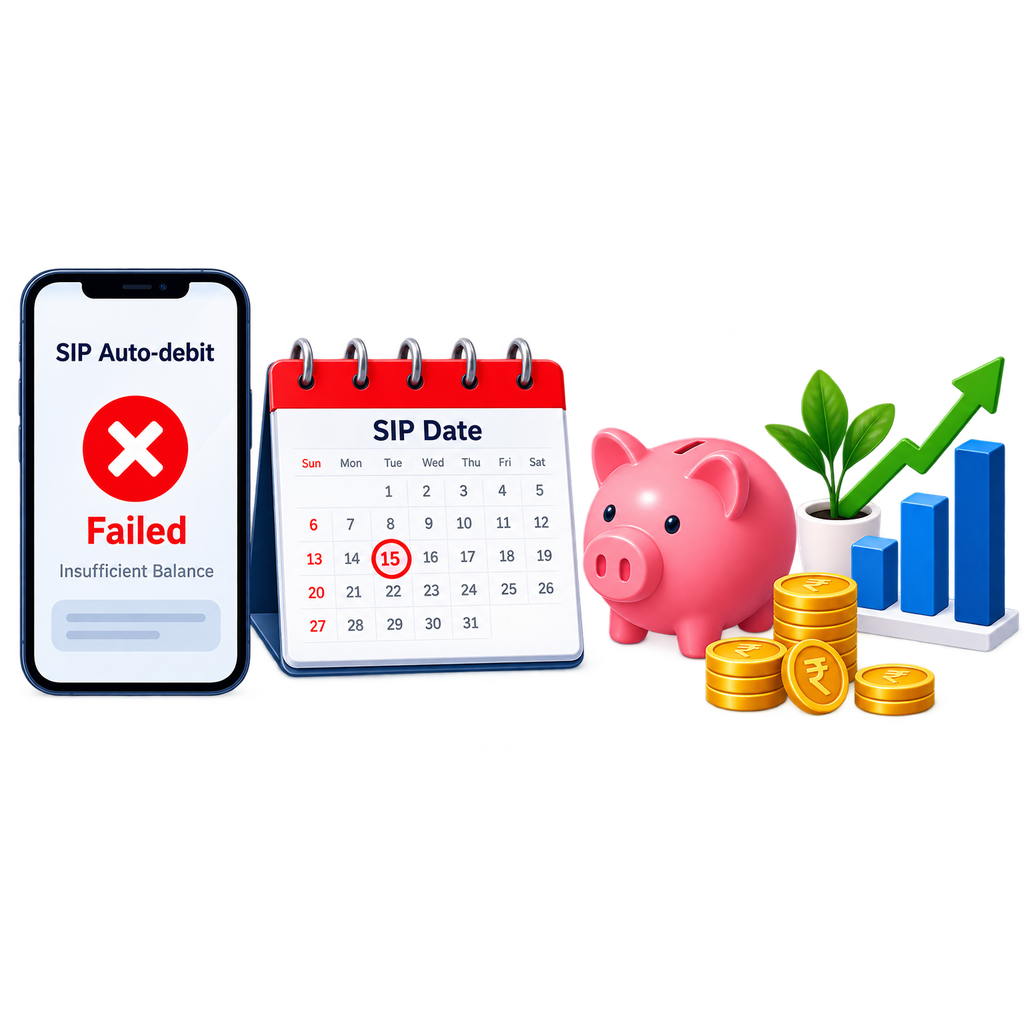
Confirm the SIP failure: check your bank statement for the failed auto-debit and check the AMC’s portal for the SIP transaction status. The AMC will also send an SMS or email notification for failed SIPs.
2
Identify the reason for failure: (a) Insufficient balance — most common; (b) NACH mandate rejected — the ECS/NACH mandate registered with the bank was not activated or has been cancelled; (c) Bank account closed or changed — the SIP mandate still points to the old account.
3
Under SEBI circular dated January 3, 2024 (effective April 1, 2024): SIPs with daily/weekly/fortnightly/monthly frequency are auto-cancelled after 3 consecutive failed payments; SIPs with quarterly/half-yearly/yearly frequency are cancelled after 2 consecutive failures. The AMC must notify you after the first failure. SIP cancellation requests must now be processed within 2 working days (effective December 1, 2024). After auto-cancellation, you must register a new SIP.
4
Check whether this was a one-off failure or a recurring pattern — recurring failures indicate a systemic issue with the mandate or bank account.
5
For NACH mandate failures: check with your bank whether the NACH mandate is registered and active. Some banks require separate activation of NACH mandates.
Follow-up Steps — Next 2–4 Weeks
1
For a one-off balance failure: ensure sufficient balance in the account before the next SIP date — the SIP will automatically trigger next month.
2
For NACH mandate failure: re-register the NACH mandate with the AMC through the AMC portal or your distributor — allow 20–30 days for activation before the next SIP date. Do not wait until the SIP date to check activation status — verify the mandate is active 5 days before the next debit date.
3
For a changed bank account: update the bank mandate with the AMC and simultaneously update the NACH mandate — both must match.
4
If you want to make up for the missed instalment: you can make a one-time lump-sum purchase in the same fund at the current NAV — this is separate from the SIP and must be done manually.
5
If the SIP was cancelled due to 3 consecutive failures: re-register the SIP with the correct bank account details.
Escalation — If Still Unresolved After 30 Days
1
If the bank debited your account but the AMC did not allot units: this is a payment received without unit allotment — raise immediately with the AMC and file on SCORES if unresolved.
2
If the NACH mandate registration is repeatedly failing despite correct details: file a complaint with your bank (for NACH registration issues) and with the AMC (for SIP processing).
3
Contact NPCI for persistent NACH-related failures: npci.org.in.
Prevention — Keep Your Investments Accessible
✓
Keep a buffer of at least 1.5 times your monthly SIP amount in the registered bank account on SIP debit dates.
✓
Set a calendar reminder 3 days before every SIP date to verify account balance.
✓
Register your SIP on a primary salary account where balance is predictable, not a savings account that may run low.
✓
After any bank account change: immediately update SIP mandates at all AMCs — do not wait for a SIP failure to discover the old mandate is still active.
Watch Video Guide
Your Rights
SEBI regulations require AMCs to process SIP investments on the registered date. If the bank deducted money but units were not allotted, this is an AMC processing failure — the AMC must allot units at the NAV of the date the funds were received. You have the right to continue your SIP without any additional penalty if a failure was caused by a technical issue rather than your own insufficient balance.
Key Contacts & Portals
| Who / What | Contact / Action |
|---|---|
| Your AMC’s SIP helpline | Call with folio number and SIP registration ID |
| NACH / NPCI | npci.org.in | 1800 120 1740 |
| Who / What | Contact / Action |
|---|---|
| SCORES | scores.sebi.gov.in — for unit allotment failures |
| AMFI | amfiindia.com — for AMC service complaints |